What's new in version 1.2
- Add support for Logitech BCC950 ConferenceCam.
- Add Zoom control for Logitech BCC950 ConferenceCam.
Orbit Command for Mac OS X
A very easy to use application designed to help you adjust and control the motorized tilt and pan for different Logitech QuickCam Orbit AF and Logitech BCC950 ConferenceCam.
 |
| Orbit Command Version 1.2 |
 |
|
 |
|
 |
| Download 7-day free trial version |
|
Buy now at USD $9.99 |
|
or purchase from Mac App Store |
Orbit Command is a great status bar menu application that enables you to quickly adjust the behavior of certain Logitech Orbit AF cameras and Logitech BCC950 ConferenceCam.
To use Orbit Command, first make sure that your Logitech QuickCam Orbit functions properly and is UVC compatible. Once the app is installed, simply select the camera you want to manage from the drop down menu and make the necessary adjustments.
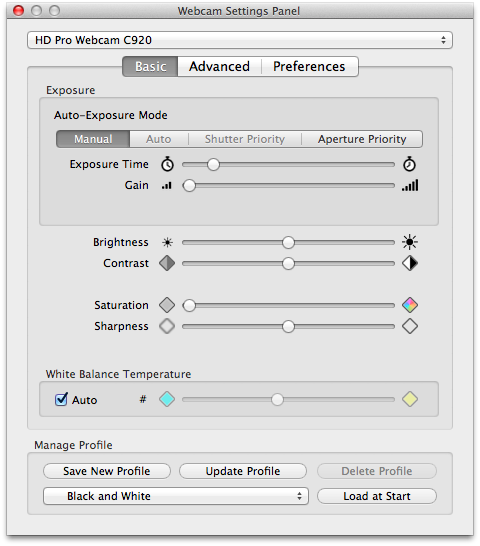
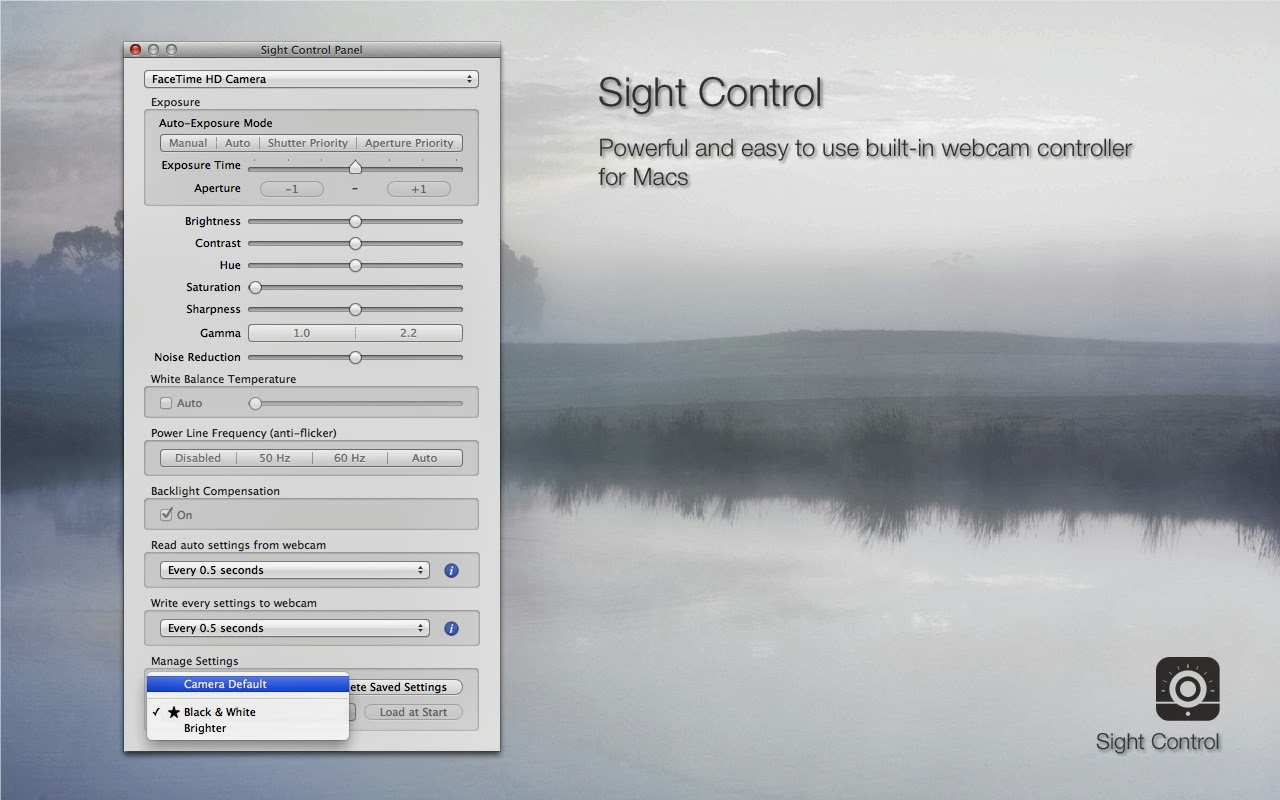
Orbit Command allows you to change the auto-exposure mode, the exposure time, the gain, the brightness, the saturation, the contrast and much more.
- Comes with a simple interface and stays out of your way
- Helps you customize the behavior of your Logitech QuickCam Orbit AF camera
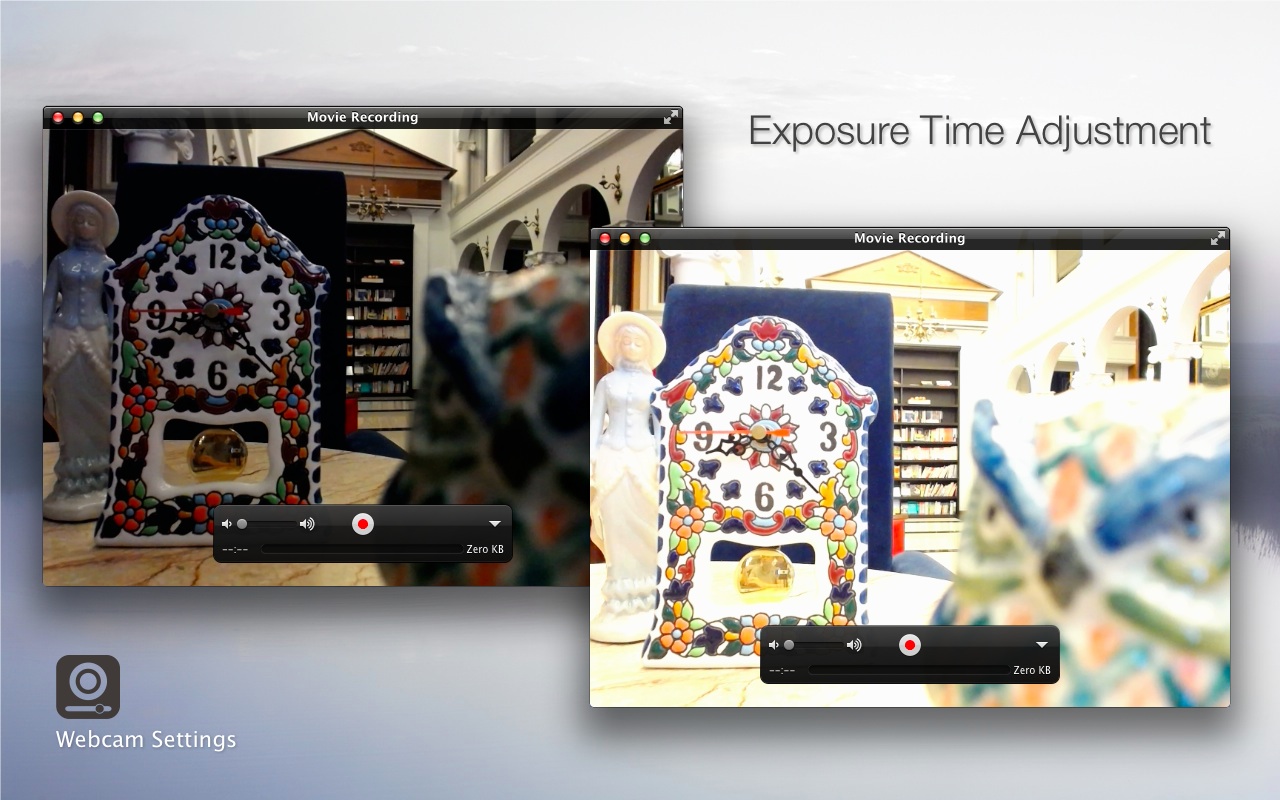
- Allows you to adjust the auto-exposure mode and the exposure time
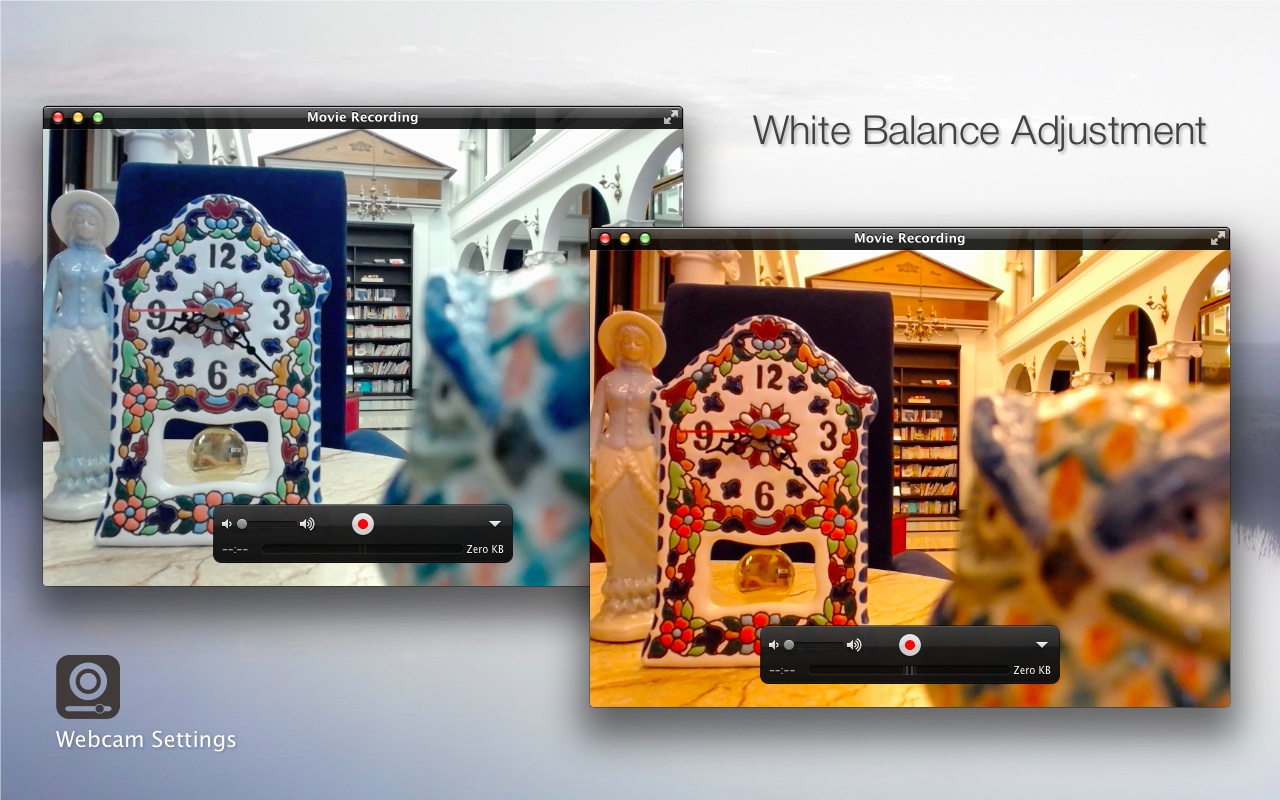
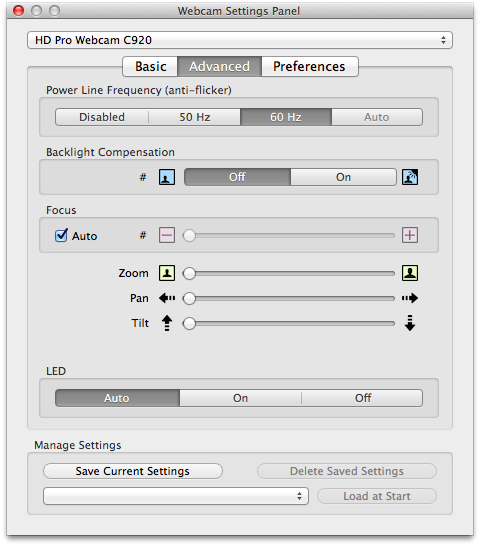
- You can adjust the gain, brightness, contrast, saturation, sharpness, gamma, white balance temperature, backlight composition, the power line frequency (anti-flicker) and focus
- Provides support for motorized pan and tilt
Requirements:
- Mac OS X 10.6.8 and later
- Logitech BCC950 ConferenceCam
- Logitech QuickCam Orbit/Sphere AF camera
- Logitech QuickCam Orbit/Sphere MP (USB PID 0x08CC)
Orbit Command 1.0 for Mac OS X 10.5.8
 |
| Orbit Command 1.2 for Mac OS X and Logitech BCC950 ConferenceCam - Basic |
 |
| Orbit Command 1.2 for Mac OS X and Logitech BCC950 ConferenceCam - Advanced |